
The Ultimate Guide to Mobile Internet in NZ: Tips for Visitors and Locals
2026-05-15
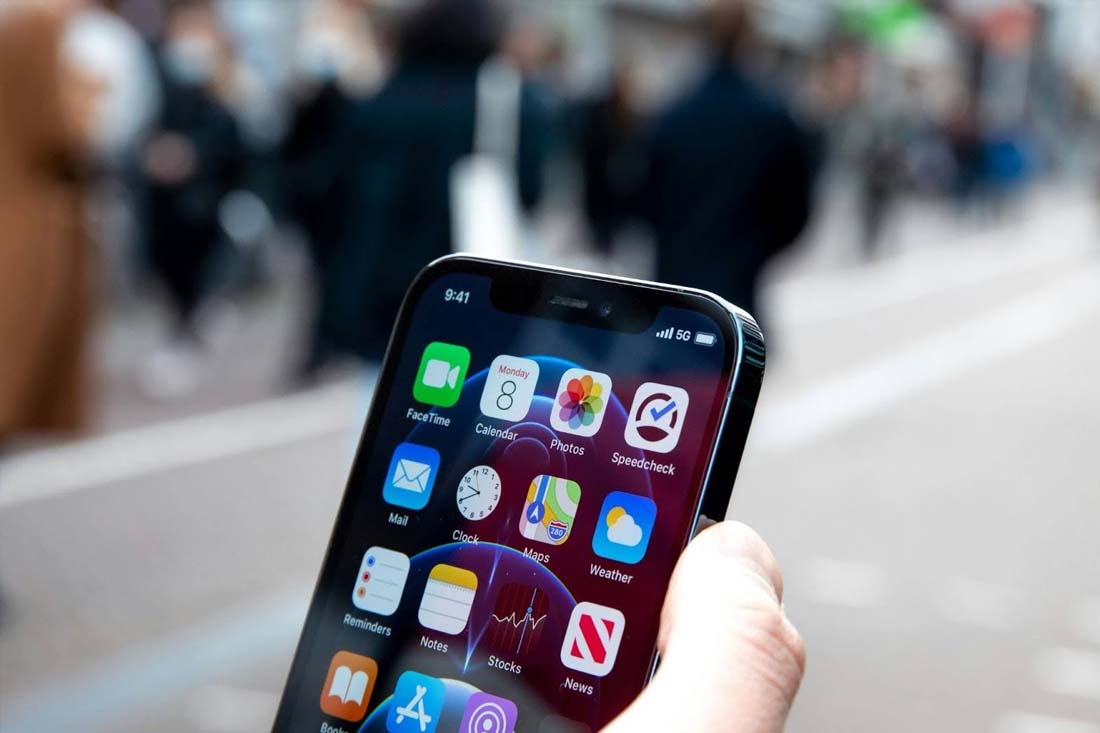
Mobile data does more than fill gaps between Wi-Fi connections. It enables you to do everything from banking and working on the move to socialising and communicating with friends and family. A weak connection can cause a lot of disruption to your daily activities, which becomes frustrating, whether you are a local or a visitor in New Zealand.
Mobile internet performance in New Zealand is shaped by a variety of factors that change throughout the day. Network demand, your mobile plan, device compatibility, and how you connect all influence speed and stability.
Recognising these variables helps you manage data use, avoid unexpected costs, and keep your connection steady when it matters.
Five Things That Affect Mobile Internet in New Zealand
Reliable mobile internet depends on more than signal bars. Coverage, device compatibility, network load, and data planning all shape how well a connection holds. Knowing what influences performance helps prevent disruption while travelling or working across the country.
A small amount of preparation goes a long way. Many connection problems come from simple oversights rather than major technical issues.
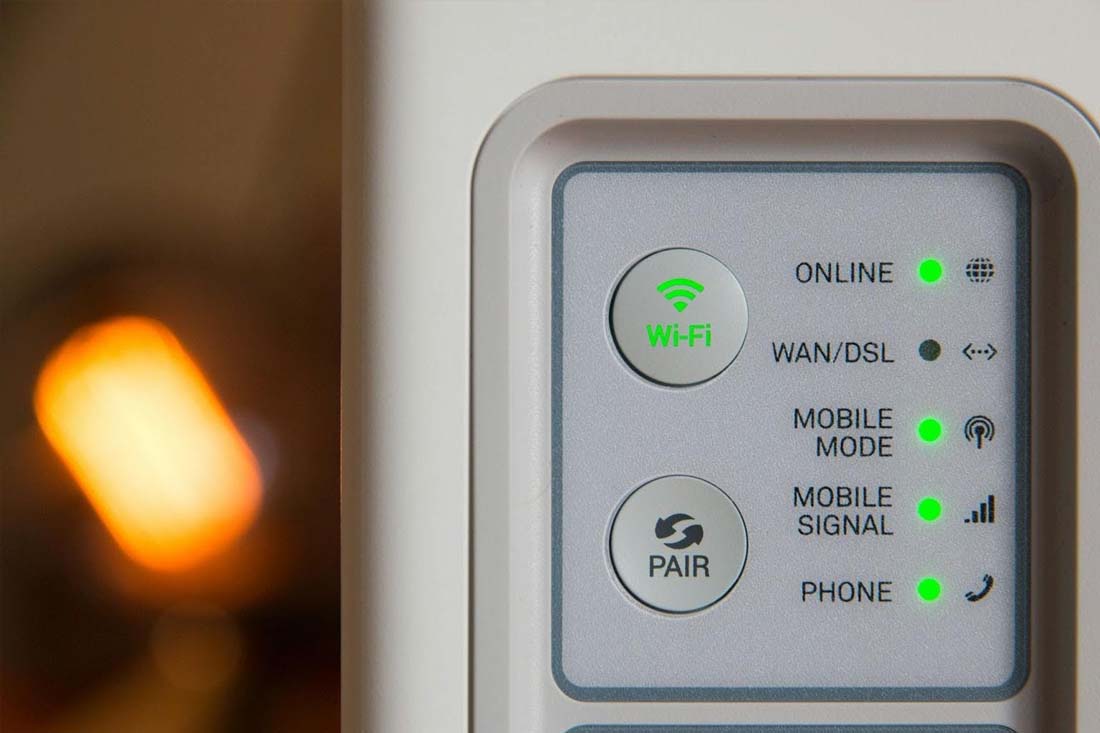
Network Strength Changes by Region
Large cities such as Auckland, Wellington, and Christchurch have the most consistent coverage. Towers sit closer together, and this supports faster data speeds. Outside these areas, coverage stretches over wider distances. Hills, forests, and long roads between towns create gaps that affect performance.
A phone can still show a signal while struggling to load pages or stream video. Terrain blocks signals more than people realise. Travellers who drive through national parks or along coastal highways might notice drops in speed even when reception appears stable.
Checking coverage maps before travelling gives a rough idea of what to expect. Real-world performance still depends on location and tower load. Some regions deliver stronger speeds on one carrier than another, so testing a connection after arrival matters. Keeping a backup option helps maintain stable access when you move between areas.
Security Matters When Using Mobile Data
Airports, cafés, and hotels across New Zealand make it easy to jump onto public Wi-Fi. While convenient, open networks leave room for interception, fake login pages, and other threats. Checking email or bank accounts on unsecured Wi-Fi exposes private and sensitive data, especially during travel when you rely on digital bookings and payment tools.
A mobile data connection adds a stronger baseline. Internet traffic travels through the carrier’s network rather than a shared hotspot, which lowers the risk of someone nearby capturing your activity.
Extra protection is also advisable. Some people use a VPN so their data stays encrypted when they connect to websites or cloud systems from different locations. Encryption makes it harder for anyone to read what moves between your device and the services you use.
Setting up an eSIM New Zealand plan before arrival helps from the moment you land. Your phone connects straight to a local network, which means you can check reservations, maps, and messages without the need for public Wi-Fi. Fewer logins on shared networks reduce exposure and keep travel logistics running smoothly.
Speed Changes During the Day
Mobile data speeds shift with network demand across each region. Connections usually slow in the evening when many people tend to stream, browse, and message at the same time. Tourist districts and central business areas experience heavier congestion, while rural or residential zones might stay more stable. Early mornings and late nights tend to deliver the most consistent speeds.
Latency shapes how responsive the connection feels during real tasks. Higher latency can create noticeable pauses when loading web pages, joining video calls, or sending large files. Lower latency keeps calls clear and apps responsive. Local SIM connections usually respond faster than international roaming because data travels through fewer international servers before reaching its destination. Running a quick speed test in several locations helps you spot patterns. Test near accommodation, in transit hubs, and inside cafés or shared workspaces. Results might vary indoors depending on building materials and signal strength. Tracking performance over a few days helps you choose the best times and places for work, calls, or uploads.
Phone Setup Makes a Difference
Not every phone works equally well on New Zealand networks. Devices built for other regions might miss certain frequency bands. A phone might connect but still struggle with speed or stability. Checking compatibility before arrival avoids this issue.
Unlocked phones give you control over which network you use. A locked device works only with one carrier, which limits your ability to change providers if signal strength or pricing becomes an issue. An unlocked phone accepts SIM or eSIM profiles from different networks, letting you move between carriers based on coverage, speed, or cost.
Dual-SIM devices expand that flexibility further. One line can handle local data while the other keeps your home number active for calls or verification codes. Travellers and remote workers use this setup to separate personal and work traffic or to maintain a backup connection when signal quality shifts between regions. Battery life deserves attention, too. Navigation apps and constant data use drain power quickly, which can prove problematic during long drives and outdoor activities if your battery dies. A small power bank solves that problem and keeps maps and bookings accessible.
Costs Add Up Faster Than Expected
Data pricing varies by provider and plan type. Short visits usually suit prepaid plans, while longer stays benefit from monthly options with higher allowances. Roaming through an overseas provider can become expensive quickly, even with moderate use.
Video streaming and file uploads consume large amounts of data. Navigation apps and messaging use less but still contribute over time. Checking usage inside phone settings helps track consumption and avoid surprises.
Some plans slow speeds once data limits are reached, while others charge extra. Reading plan details before choosing prevents confusion later. A plan that matches your daily habits works better than one chosen at random.
Staying Connected Across New Zealand
Mobile internet in New Zealand works best with a little planning. Remember, coverage varies between cities, highways, and rural areas, so performance changes as you move around. Speeds also rise and fall during busy hours. Visitors and residents who prepare ahead can look forward to fewer disruptions and a far smoother mobile internet experience.